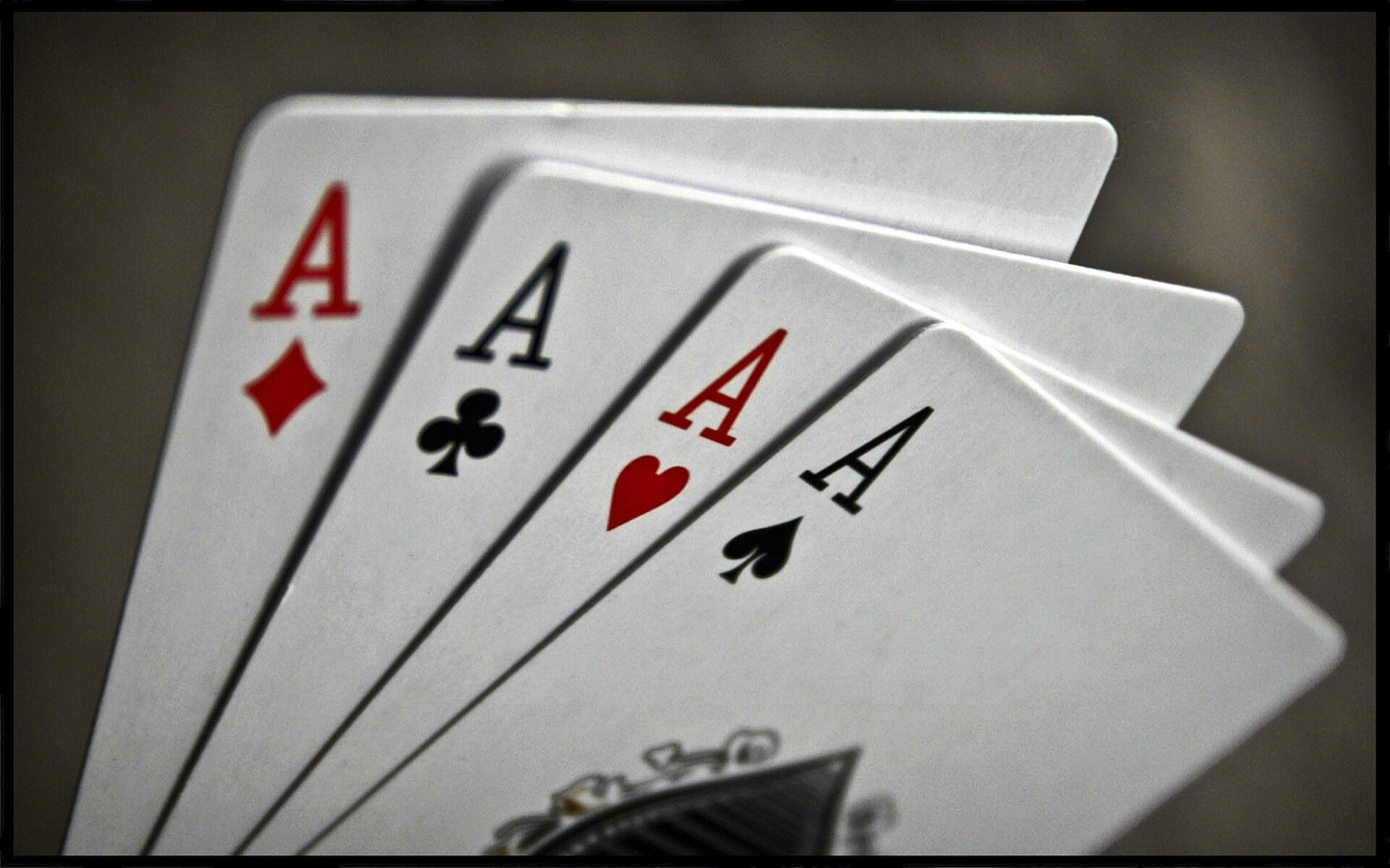
Online poker players who play several tables at once, tournament grinders and other long-session gamers spend more hours in front of screens than many office workers, often late at night and with intense concentration. A good set-up and a few habits protect the eyes, back and wrists.
Digital eye strain
When we concentrate on a screen we blink much less than usual, so the eyes dry out. Add screen glare and focusing at one distance for hours, and many people get tired, sore or dry eyes, blurred vision and headaches, together often called digital eye strain or computer vision syndrome. It is uncomfortable but does not cause permanent damage.
- Follow the 20-20-20 rule: every 20 minutes, look at something about 20 feet (6 metres) away for 20 seconds.
- Blink deliberately and consider lubricating eye drops if your eyes feel dry.
- Match brightness to the room and avoid playing in a dark room with a bright screen.
- Increase text size rather than leaning in; use larger table layouts when multi-tabling.
- Get your eyes tested. Uncorrected long-sightedness or the need for reading glasses after about 40 often shows up first as screen fatigue.
Do blue-light-blocking glasses help? Reviews of the evidence, including a 2023 Cochrane review, found no clear benefit for eye strain, and eye-care bodies do not recommend them for that purpose. Evening light of any colour can delay sleep, so a night mode and dimmer screens late at night are reasonable; see how much sleep adults need.
Setting up the screen and chair
A healthy set-up
- Screen distance
- About an arm's length away (roughly 50–70 cm)
- Screen height
- Top of the screen at or slightly below eye level
- Multiple monitors
- Main screen straight ahead; others angled in, at the same height
- Chair
- Lower back supported, hips slightly above knees, feet flat on the floor or a footrest
- Arms
- Elbows close to the body at about 90 degrees, shoulders relaxed
- Wrists
- Straight, not bent up or down; mouse close to the keyboard
- Lighting
- Light from the side, not behind the screen or reflecting on it
Wrists and hands
Thousands of clicks a session can irritate tendons in the hand and forearm. Keep the mouse at elbow height, move from the elbow rather than flicking the wrist, relax your grip and use keyboard shortcuts where the poker client allows. Persistent tingling or numbness in the fingers, especially at night, is worth showing to a doctor, as it can be a sign of carpal tunnel syndrome.
Breaks, movement and fuel
Live tournaments build in breaks; online players need to build their own. Stand up, walk and stretch at least once an hour, ideally more often. That also helps the back (see lower back pain: what actually helps) and breaks up sitting time, which carries health risks of its own (see the physical activity guidelines). Keep water at the desk, eat proper meals rather than grazing on snacks, and be wary of high-dose energy drinks late at night.
Good decisions at the virtual table depend on a rested brain. Fatigue and frustration change how people judge risk, which we explain in risk, reward and dopamine.
Based on guidance from: American Academy of Ophthalmology, Cochrane, UK Health and Safety Executive, NHS.


